Network Problem with Uploading Large File

上传自我介绍的视频有82.4MB,导致频繁报错

1
fatal: unable to access 'https://github.com/Leopol1d/Leopol1d.github.io.git/': Failed to connect to github.com port 443 after 21142 ms: Couldn't connect to server

之前的配置中,命令行在拉取/推送代码时并没有使用vpn进行代理

解决方案:配置http代理Windows、Linux、Mac OS 中 git 命令相同:

配置socks5代理(可选)

1
2
3
git config --global http.proxy socks5 127.0.0.1:7890

git config --global https.proxy socks5 127.0.0.1:7890

配置http代理

1
2
git config --global http.proxy 127.0.0.1:7890
git config --global https.proxy 127.0.0.1:7890

注意:

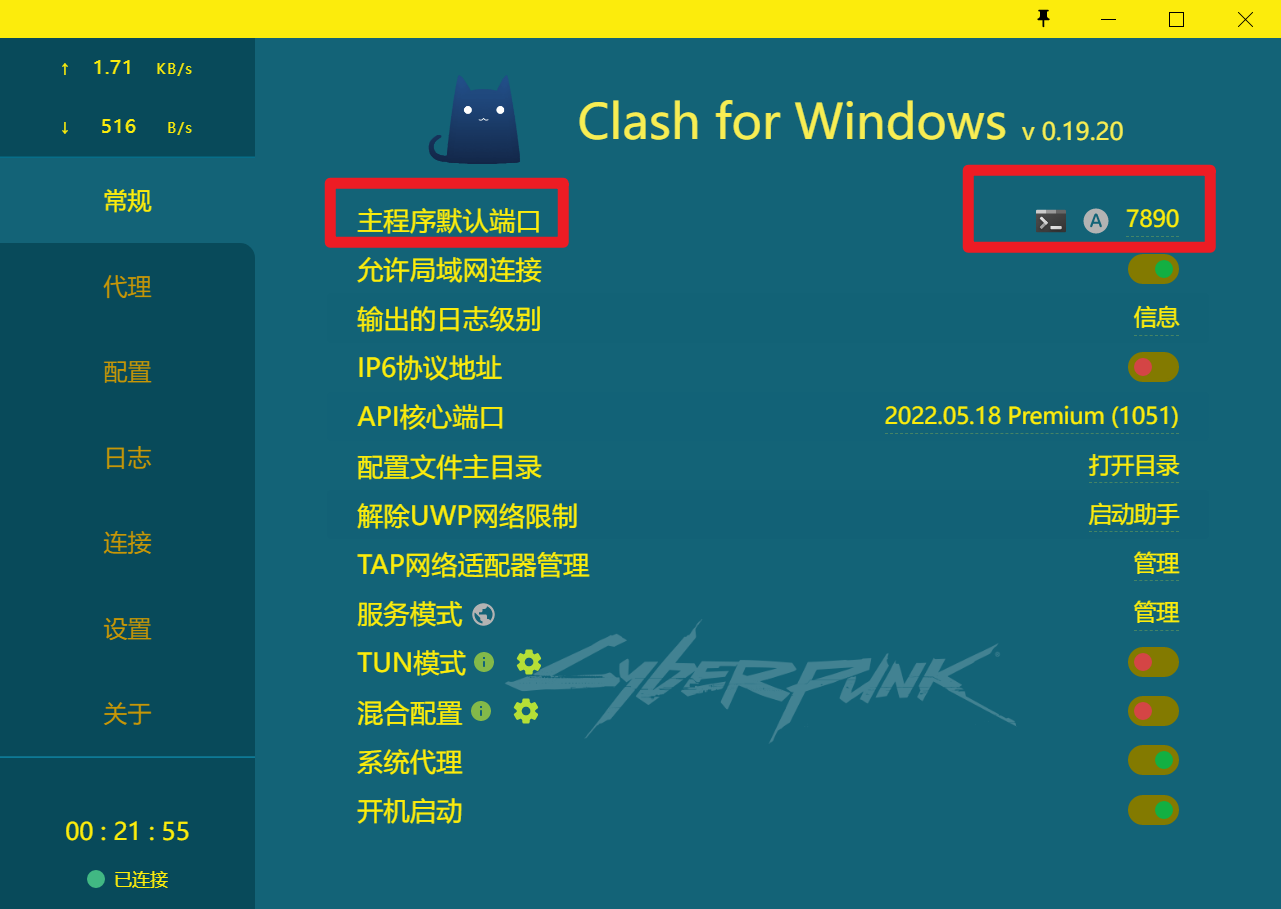
命令中的主机号(127.0.0.1)是使用的代理的主机号(自己电脑有vpn那么本机可看做访问github的代理主机),即填入127.0.0.1即可,否则填入代理主机 ip(就是网上找的那个ip) 命令中的端口号(7890)为代理软件(代理软件不显示端口的话,就去Windows中的代理服务器设置中查看)或代理主机的监听IP,可以从代理服务器配置中获得,否则填入网上找的那个端口port
折腾一小时部署成功
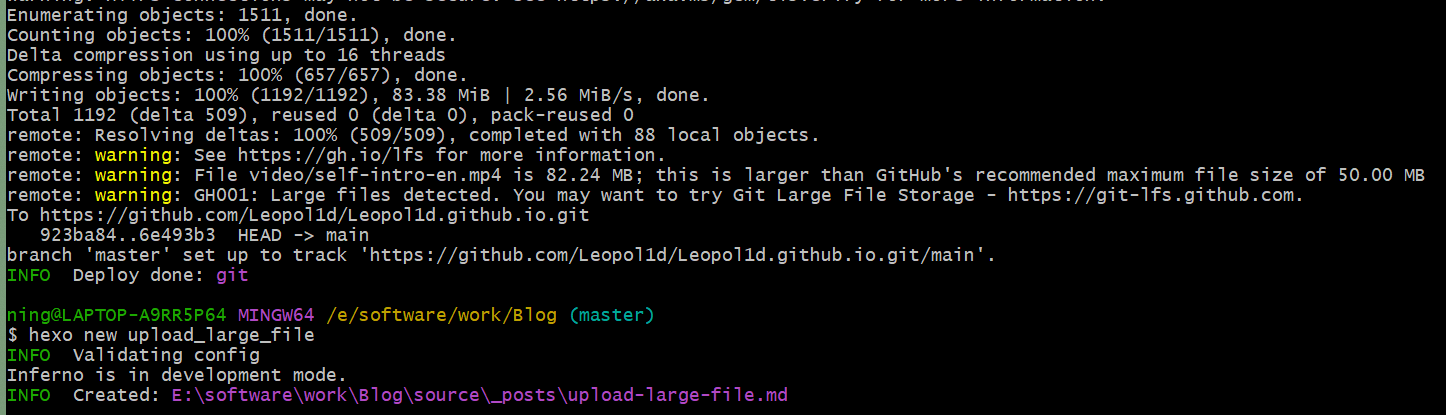
顺带记录一下git命令

执行git config -l查看代理

查看代理命令

1
2
git config --global --get http.proxy
git config --global --get https.proxy

取消代理命令

1
2
git config --global --unset http.proxy
git config --global --unset https.proxy

Network Problem with Uploading Large File
https://leopol1d.github.io/2024/01/18/upload-large-file/
作者
Leopold
发布于
2024年1月18日
许可协议